
SAML tutorials
Copied from the id-proto-debugger release 0.9.5 user guide, which is the debugger this service embeds. Its addresses are the embedded ones: the debugger is
https://localhost:8444/and its apihttps://localhost:8444/api. Accessing the debugger says how to reach, enable and disable it.
Each tutorial is one way the SAML workflow is used. Start from
saml_request.html (the SAML Protocol card). The fields are in
reference.md. What the messages are is in
protocol.md.
The pictures were taken against iya-sts in product mode, signed in as
guide-saml. Your identity provider’s sign-in page will look
different. The debugger’s panes are the same. What iya-sts requires
before Call IdP succeeds is in
setup-iya-sts.md: a registered service provider,
the certificate from Generate Keys, a real password, and then a
second factor. The password form is pictured with the password empty.
The authenticator set-up page is not pictured.
Sign in over HTTP-Redirect
SAML 2.0 Web Browser SSO. The AuthnRequest travels on a redirect.
The response comes back by HTTP-POST.
-
Open
saml_request.html. In IdP Metadata, set Metadata Document URL to the identity provider’s SAML 2.0 metadata and press Load Metadata. With a backend, the api fetches that URL. The status line says the document loaded, and Metadata Document shows the XML.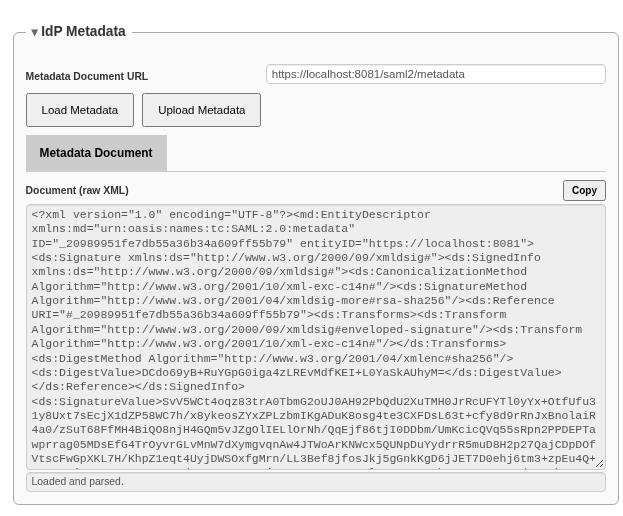
-
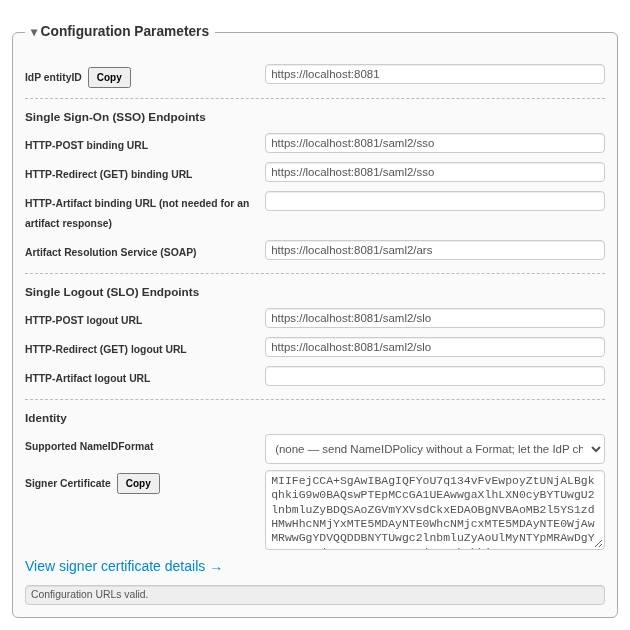
Configuration Parameters is filled from that document: the IdP entityID, the single sign-on URLs, the artifact resolution service, the logout URLs, and the signer certificate.
-
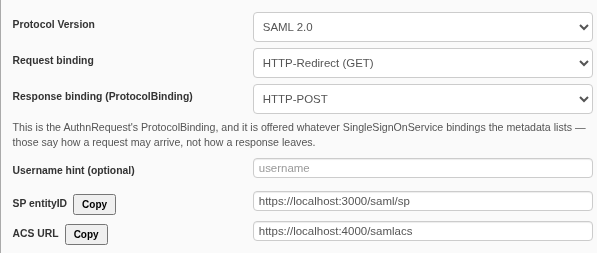
In SP / Request Settings leave Protocol Version on SAML 2.0. Set Request binding to HTTP-Redirect (GET) and Response binding (ProtocolBinding) to HTTP-POST. SP entityID and ACS URL are the Issuer and the consumer the identity provider must already accept. Leave Supported NameIDFormat on the value the metadata selected.
-
Digitally sign the AuthnRequest is on. Press Generate Keys if Private Signing Key is empty. Call IdP will not send a signed request without that key. Register the public certificate with the identity provider before you send. Download SP Metadata is the document most providers consume. On iya-sts in product mode the certificate has to be the one this page just generated.
-
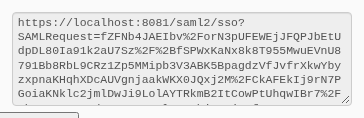
Generated AuthnRequest is the XML that will be sent, deflated and signed on the query string.
-
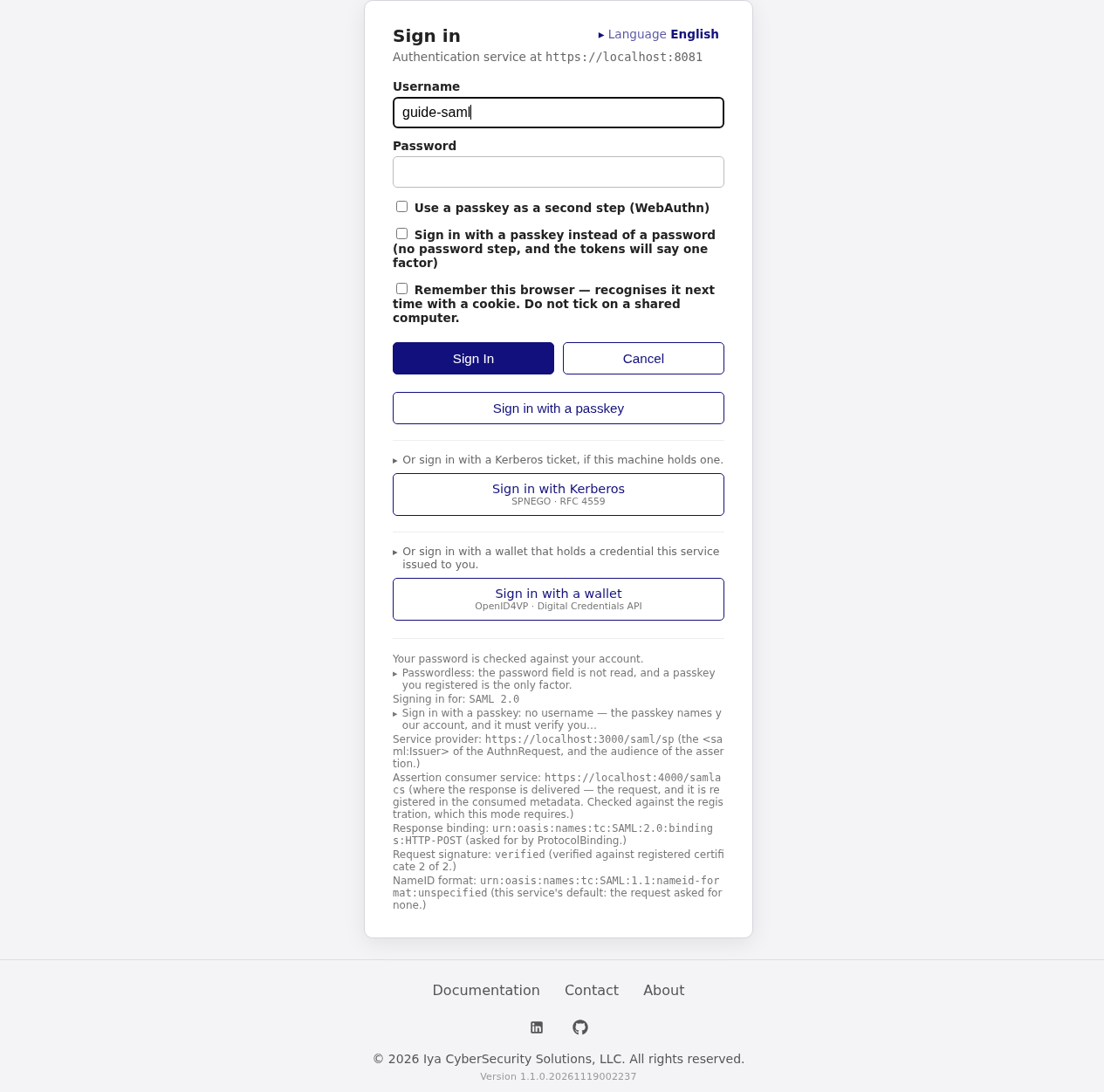
Press Call IdP. The browser goes to the identity provider. Sign in with an account that provider knows. The picture is the sign-in form after the account name is filled and before the password is typed. On iya-sts in product mode the next page asks for a second factor. That page is not pictured.
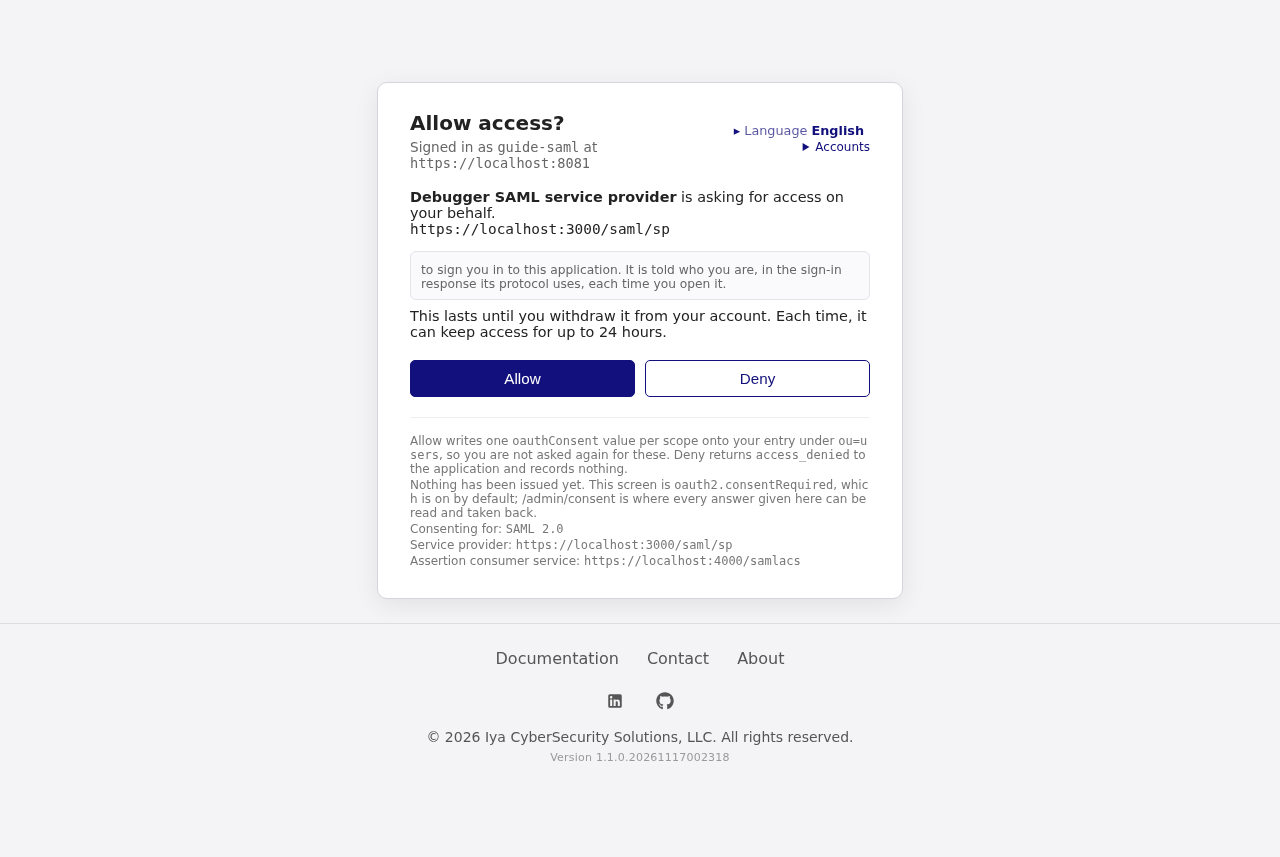
Product mode then asks, once per service provider, whether that provider may sign you in. Choose Allow. The answer is remembered. Development mode does not ask.
-
The assertion consumer redirects to
saml_response.html. The status line and the response XML are the first thing on the page. A successful sign-in has a Success status and an assertion.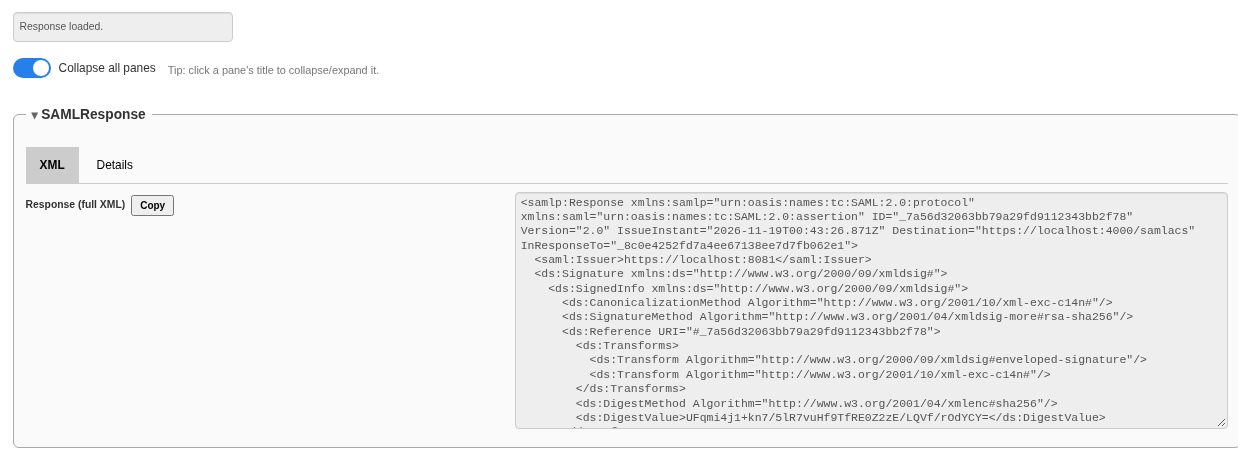
-
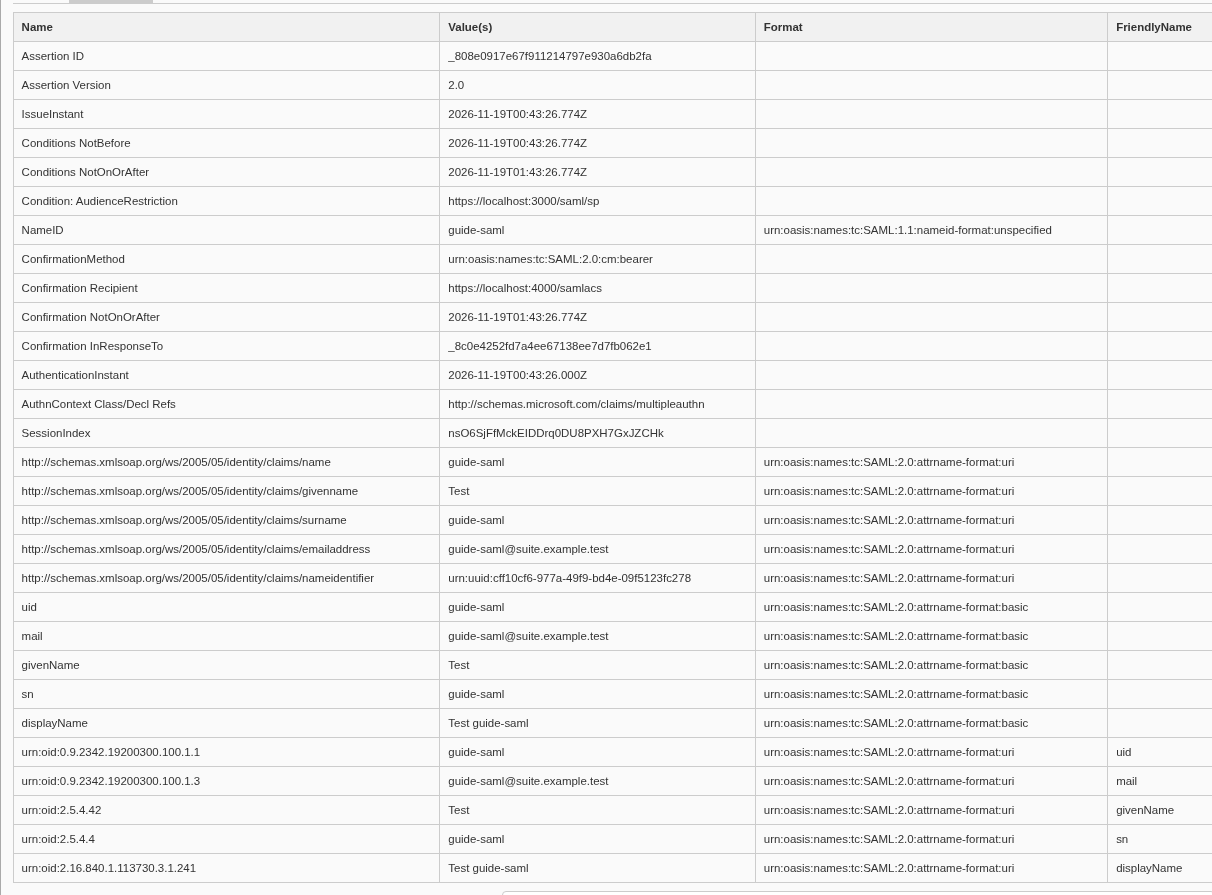
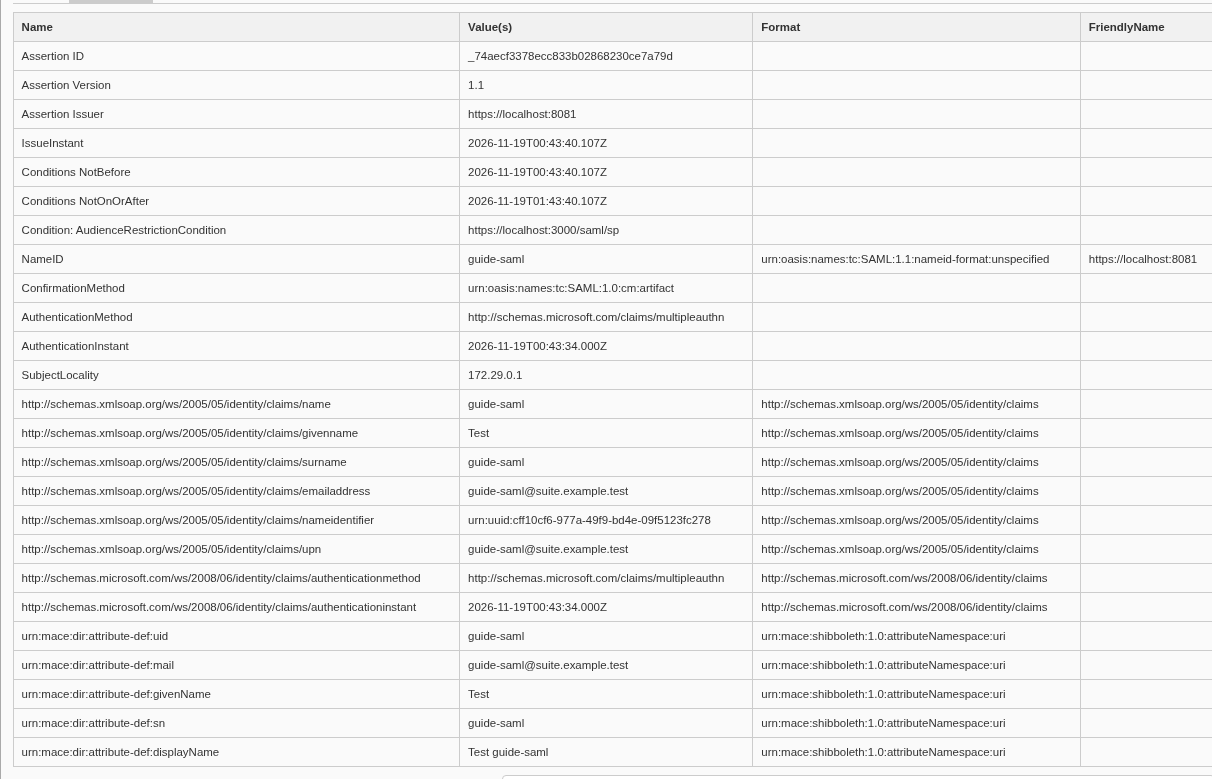
Open Attributes on the assertion pane. The table is the attributes and the NameID.
-
Press Validate Signatures. Each enveloped signature is its own row. Verify with the identity provider’s metadata certificates is the check that the signer is that provider. KeyInfo only checks that the bytes were not altered.
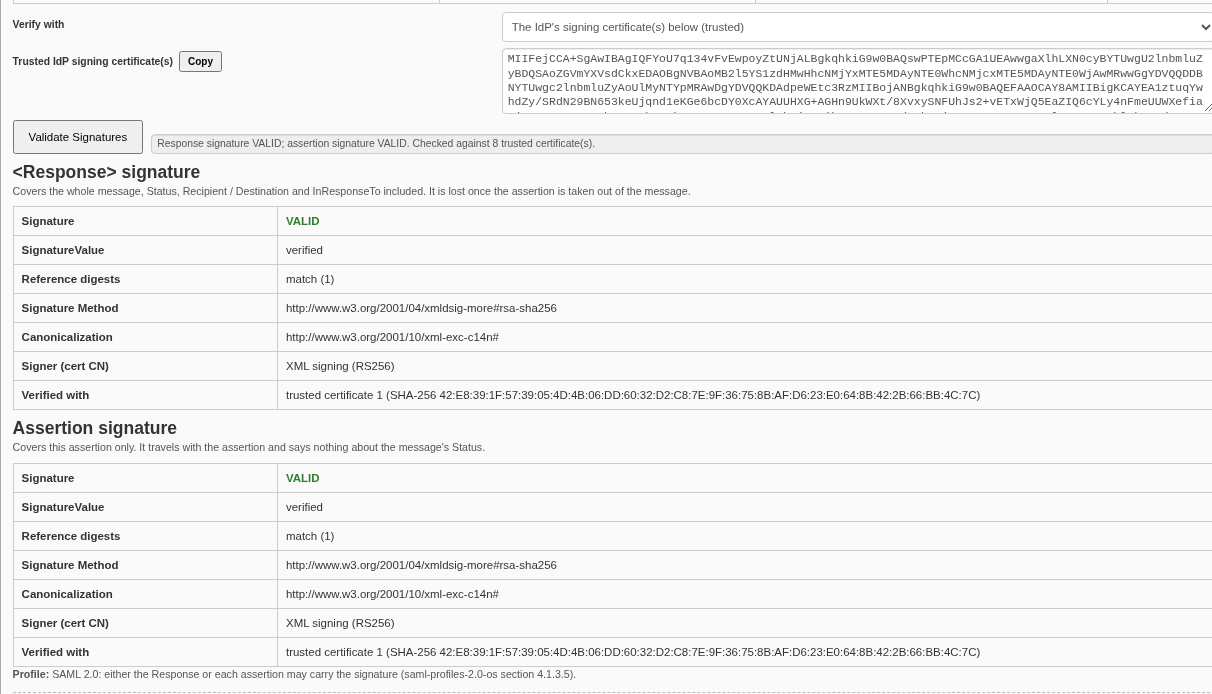
The NameID and the session index are kept for Logout. The assertion itself is the last response the SAML Assertion Tool and the WS-Trust Import from SAML workflow button can read.
Send the AuthnRequest as a POST
Same profile. The request is a form POST to the identity provider’s HTTP-POST single sign-on URL, with an enveloped signature when signing is on. The response is still HTTP-POST.
-
On
saml_request.html, with metadata already loaded and a key pair already generated, set Request binding to HTTP-POST. Leave Response binding on HTTP-POST.
-
Generated AuthnRequest carries the enveloped signature. The browser will POST it.
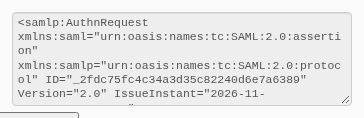
-
Press Call IdP and sign in. The response page is the same shape as the redirect walk. The status line names the binding the response used.
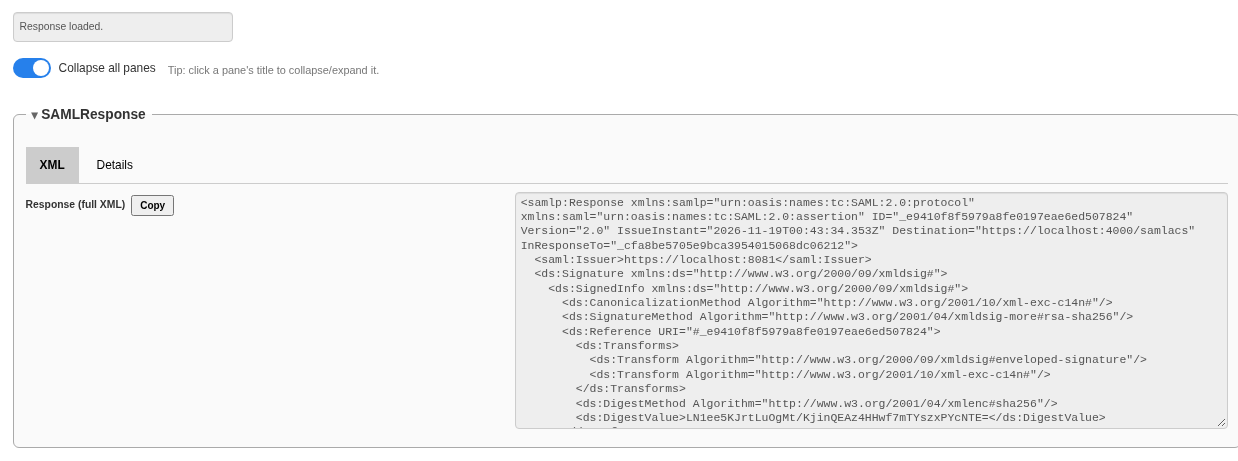
Ask for an artifact
HTTP-Artifact is a response binding. The request still goes by
redirect or POST. ProtocolBinding asks the identity provider to
return an artifact instead of the assertion. The api calls the
artifact resolution service with a SOAP ArtifactResolve and shows
the Response that comes back. This needs the api. A static site
cannot finish it.
-
Set Response binding to HTTP-Artifact. The request binding can stay on redirect. The artifact consumer has to be registered with the identity provider. On this deployment it is the ACS URL with
/samlacsreplaced by/samlacs/artifact.
-
Press Call IdP and sign in. The response page shows the assertion the resolution service returned, not the artifact.
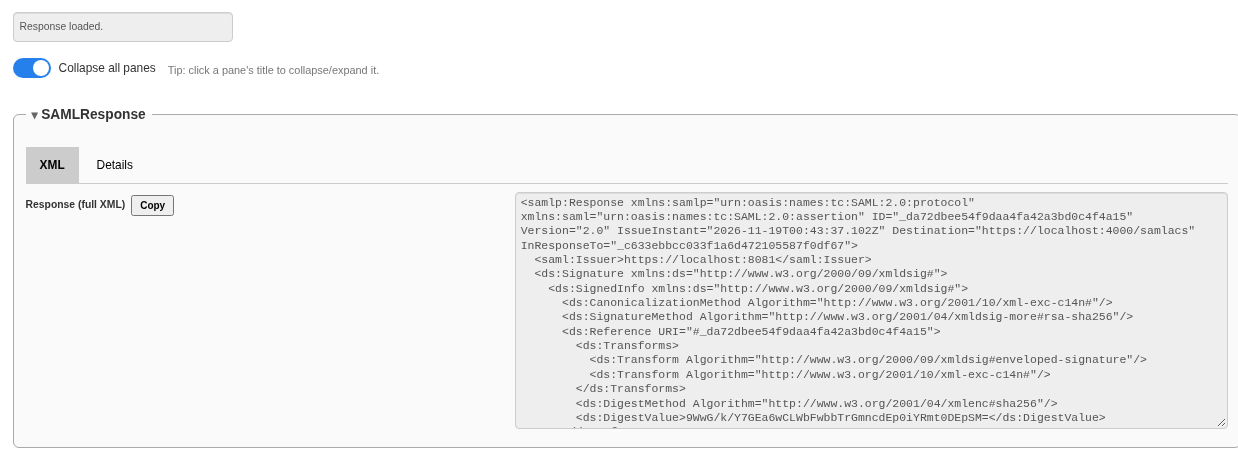
The resolution call is made by the api, so the artifact resolution URL has to be reachable from the api. A URL that works in the browser can still fail when the api is in another container.
Single Logout
SAML 2.0 only. Logout is available after a sign-in has stored a NameID and the metadata has a single logout URL.
- Complete the redirect sign-in first.
Back on
saml_request.html, leave Request binding on HTTP-Redirect (GET) and press Logout. -
The identity provider may ask you to sign in again, then posts a
LogoutResponseto the same consumer. The response page shows that message. Open Details for the status.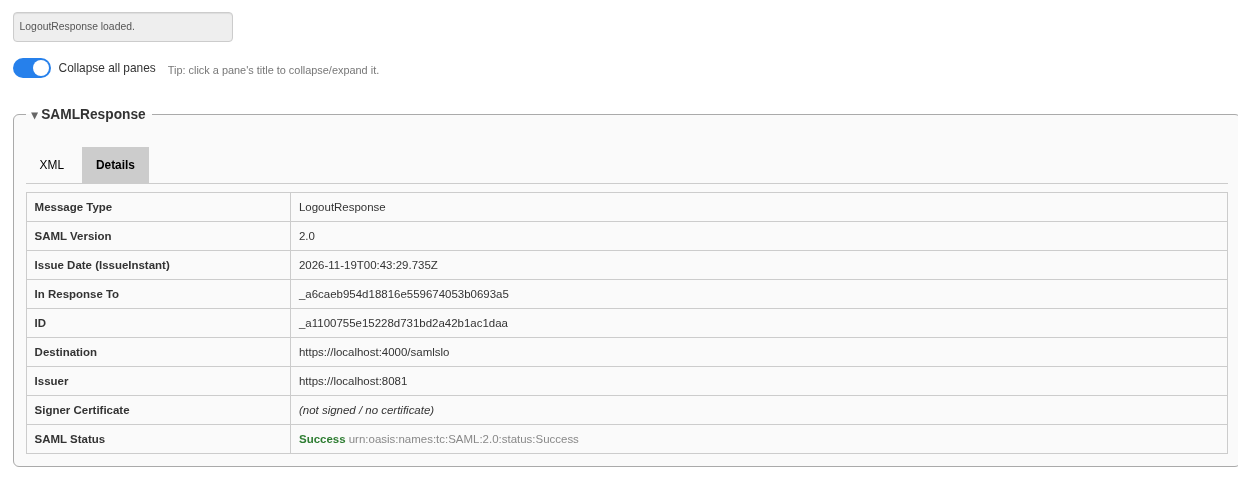
SAML 1.1 has no logout. The button is unavailable when the version selector is on 1.1.
SAML 1.1
SAML 1.1 sends no AuthnRequest. The browser is redirected with the
assertion consumer in the query. Five SAML 2.0 controls are switched
off. The developer note is SAML 1.1. This walk is the
Browser/POST profile.
- Load the identity provider’s metadata. On iya-sts the SAML 2.0 document and the per-relying-party SAML 1.1 URL are the same document, and it names both protocols, so the selector stays on 2.0. A document that names only 1.1 moves it. The identity provider still has to be given this service provider’s SAML 1.1 metadata. See setup-iya-sts.md.
-
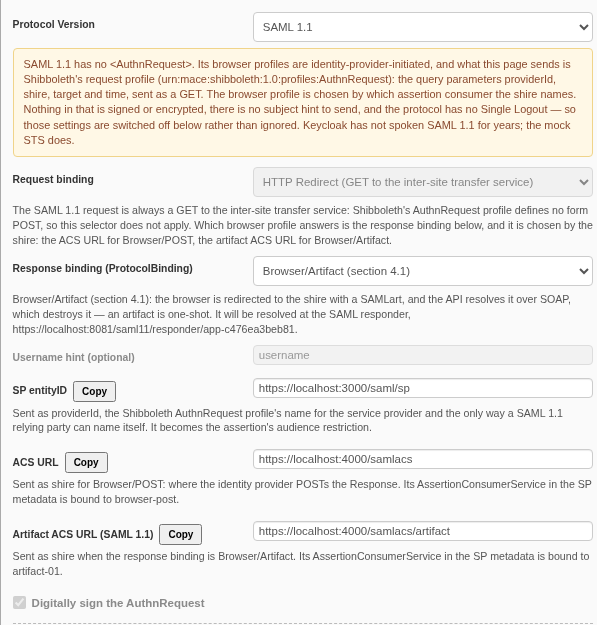
Set Protocol Version to SAML 1.1. The warning appears. The username hint, request signing, request encryption, logout, and the request-binding selector are greyed. The key pair stays, because an artifact resolution request is still signed with it.
-
The generated request is the query the browser will send, not an
AuthnRequest.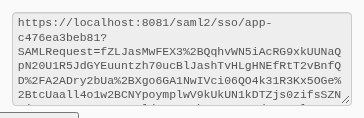
-
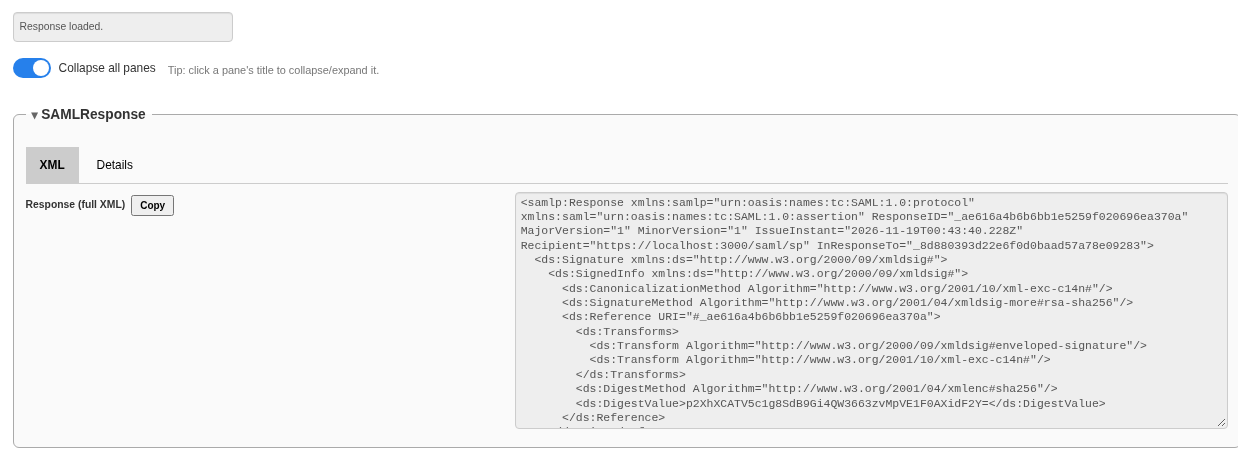
Press Call IdP and sign in. The response page reads a 1.1 status code. A Success value there is the QName, not the SAML 2.0 URI.
-
Attributes is the same table. The attribute names follow whichever form the identity provider used.
What is not pictured
An encrypted assertion is decrypted on the response page with Decrypt and Decryption Key. iya-sts does not encrypt a Web Browser SSO assertion, so there is no picture of one here. A provider that does, such as the stack’s Keycloak, returns ciphertext the same key can open when Save this key pair was left on. The fields are in the reference.